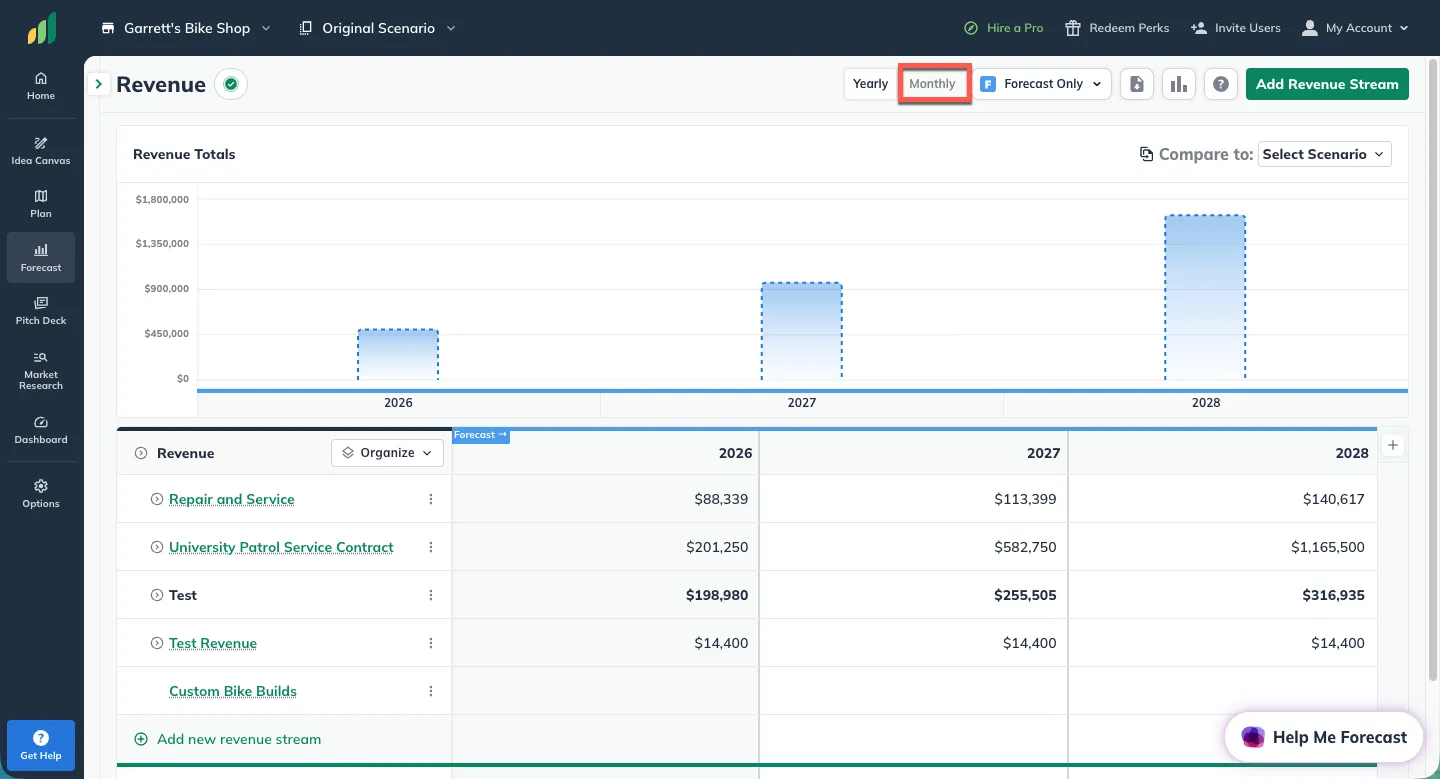
Moving your forecast figures into Excel
LivePlan Premium users can export the results of any Forecast category as a .CSV file. This is a type of basic spreadsheet formatting that can be used by a wide range of software, such as Google Sheets, Microsoft Excel, Apple Numbers, and many more.
Individual sections within the Forecast tab (such as Revenue, Expenses, Personnel, etc.) have a download icon near the top-right of the forecast table, as shown below:
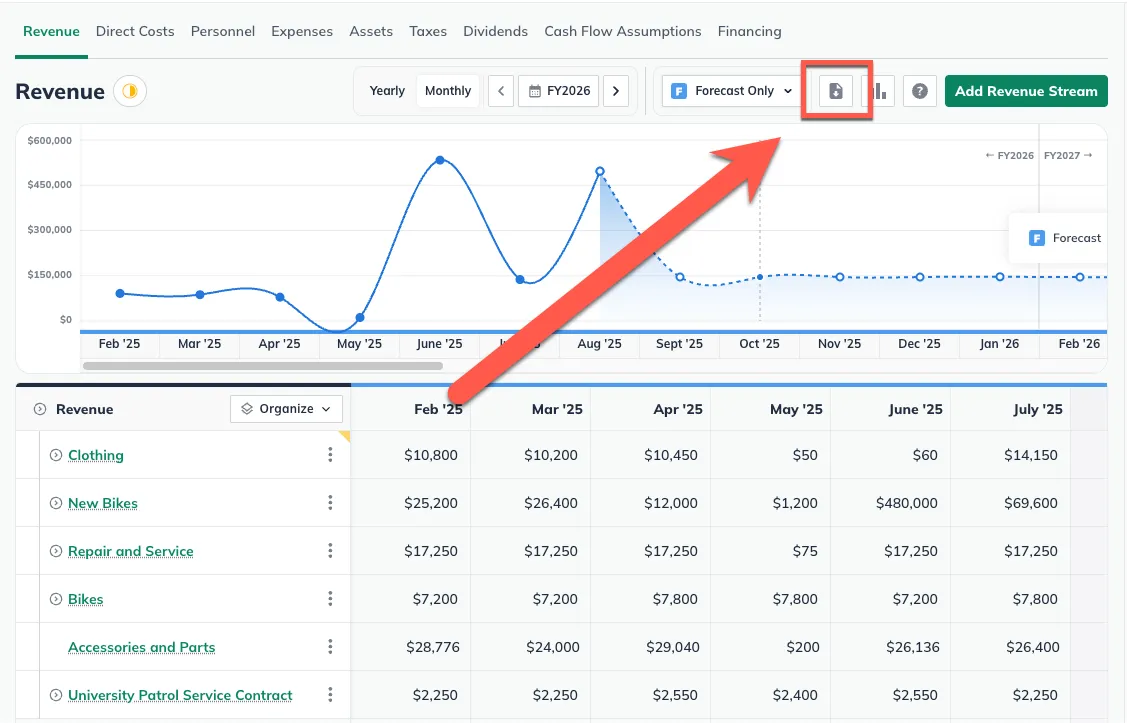
Click on this icon to download that section's forecast values as a .CSV file, which will then automatically download to your browser's download folder:
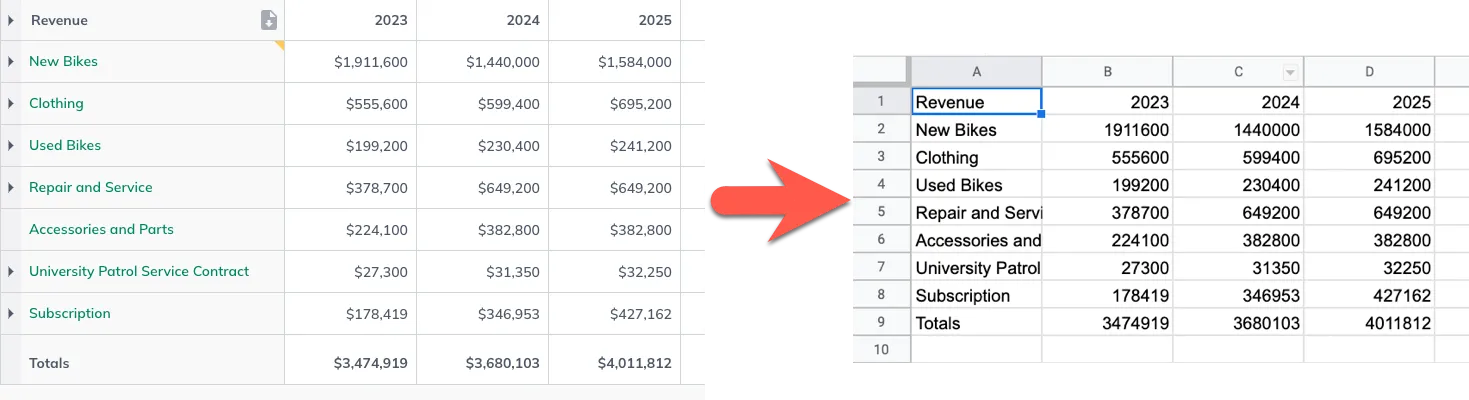
We will only export the data visible in the currently viewed section. In the above example, we did not enable monthly detail; therefore, the export displays only annual totals.
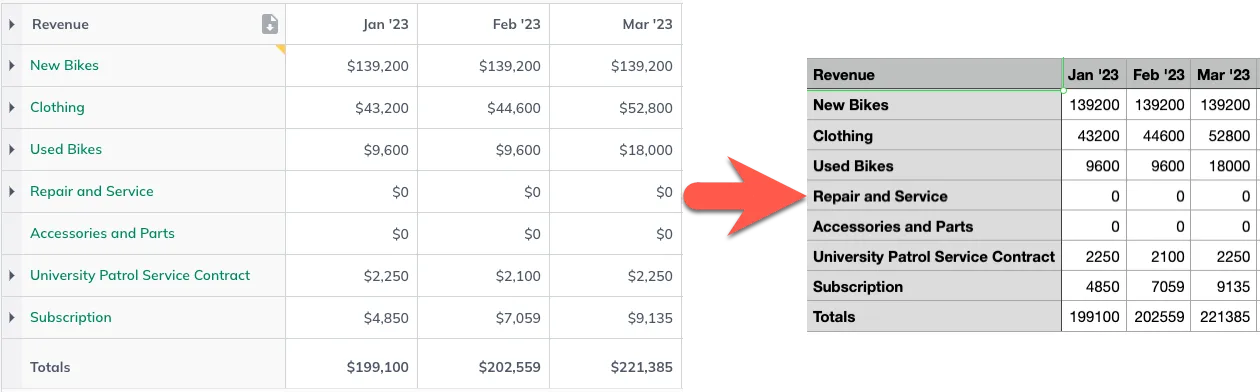
Enabling the Monthly Detail toggle on the Forecast page and exporting again will display monthly totals.