

Downloading and printing your Idea Canvas
Once you’ve built out your Idea Canvas, you can export it as a PDF or share it via a public Web Link.
Downloading your Canvas
Summary: Exporting Idea Canvas to PDF
Click the publishing menu in the top right of the navigation bar.
Select your options, including whether to include status badges and your confidence score, and download a PDF of your canvas.
Step-by-step guide: Exporting Idea Canvas to PDF
In the publishing menu in the top right of the navigation bar, click Download & Print to display the PDF export menu.
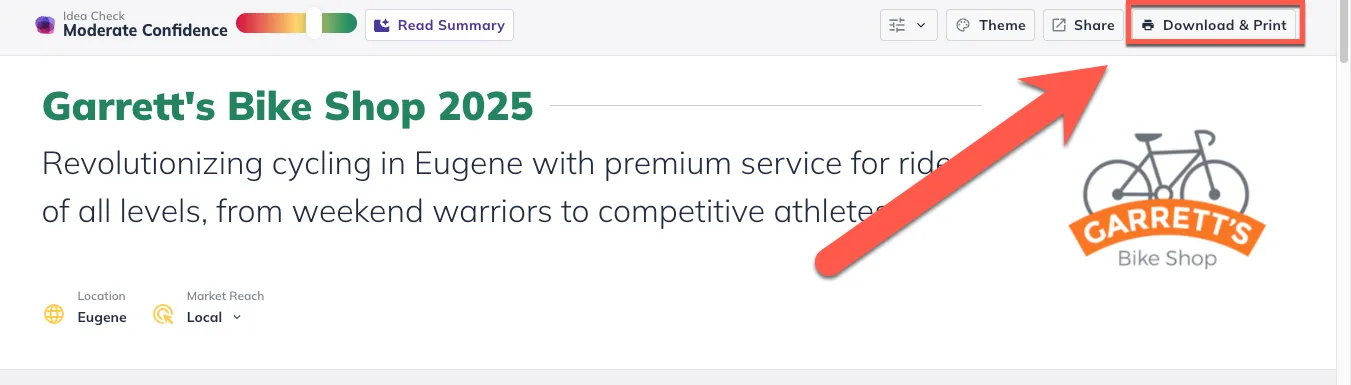
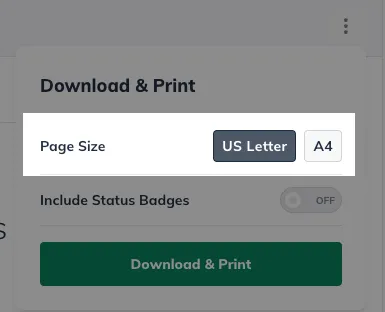
- In the PDF export menu, you can select your page size.
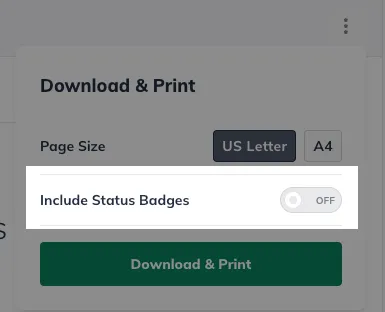
- You can also select if you want to display assumption status badges in your PDF.
- Click Download & Print to export your Idea Canvas to PDF.
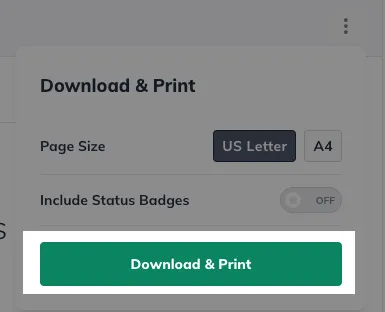
This produces an easily attachable PDF file for sharing your Idea Canvas.
Formatting Idea Canvas Exports
If you want to change the presentation of your Idea Canvas, you have a couple options:
- Display Settings lets you filter displayed assumptions by evidence level.
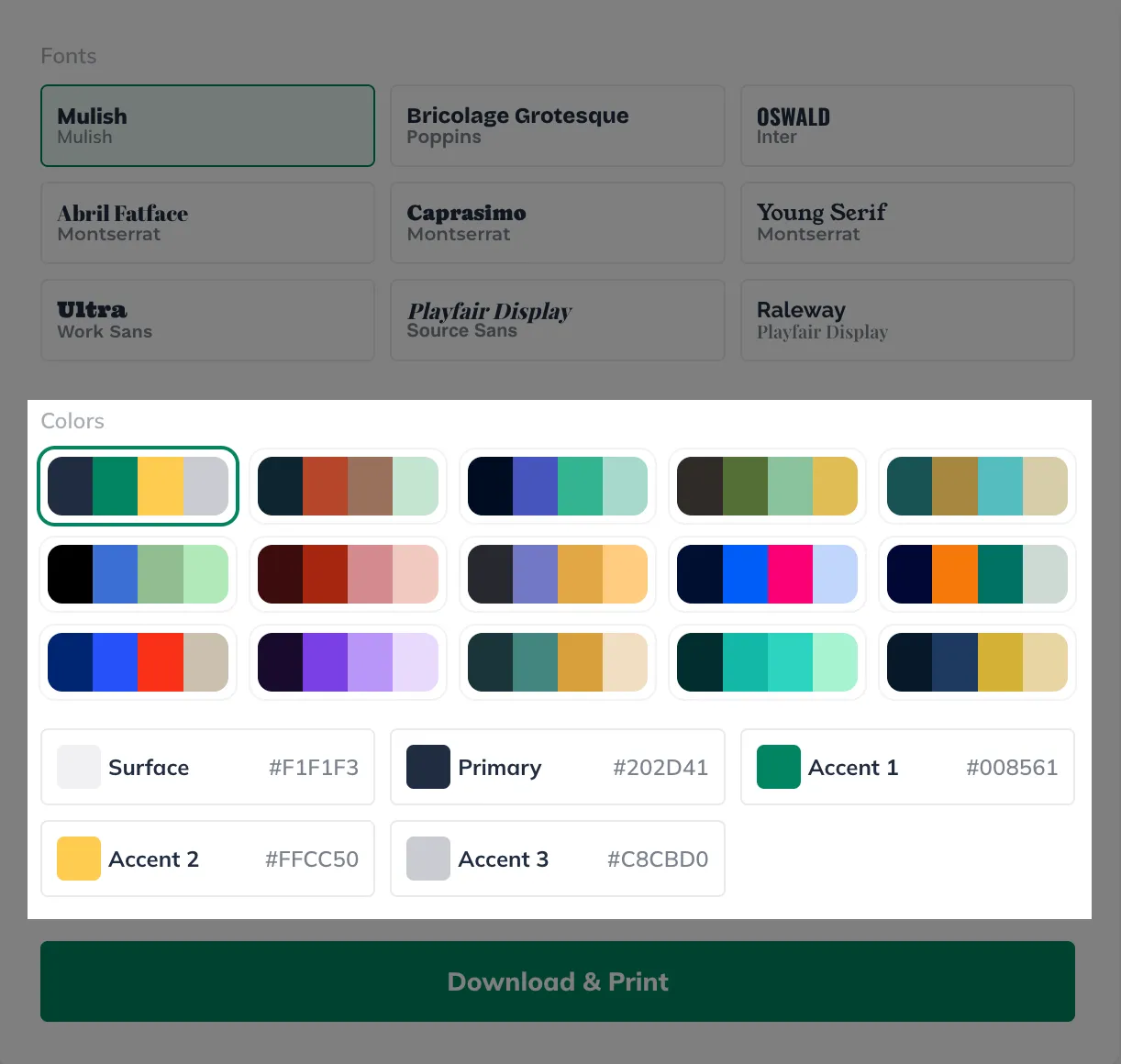
- Select Theme also lets you choose from one of preset 15 color themes or you can customize your own color theme.
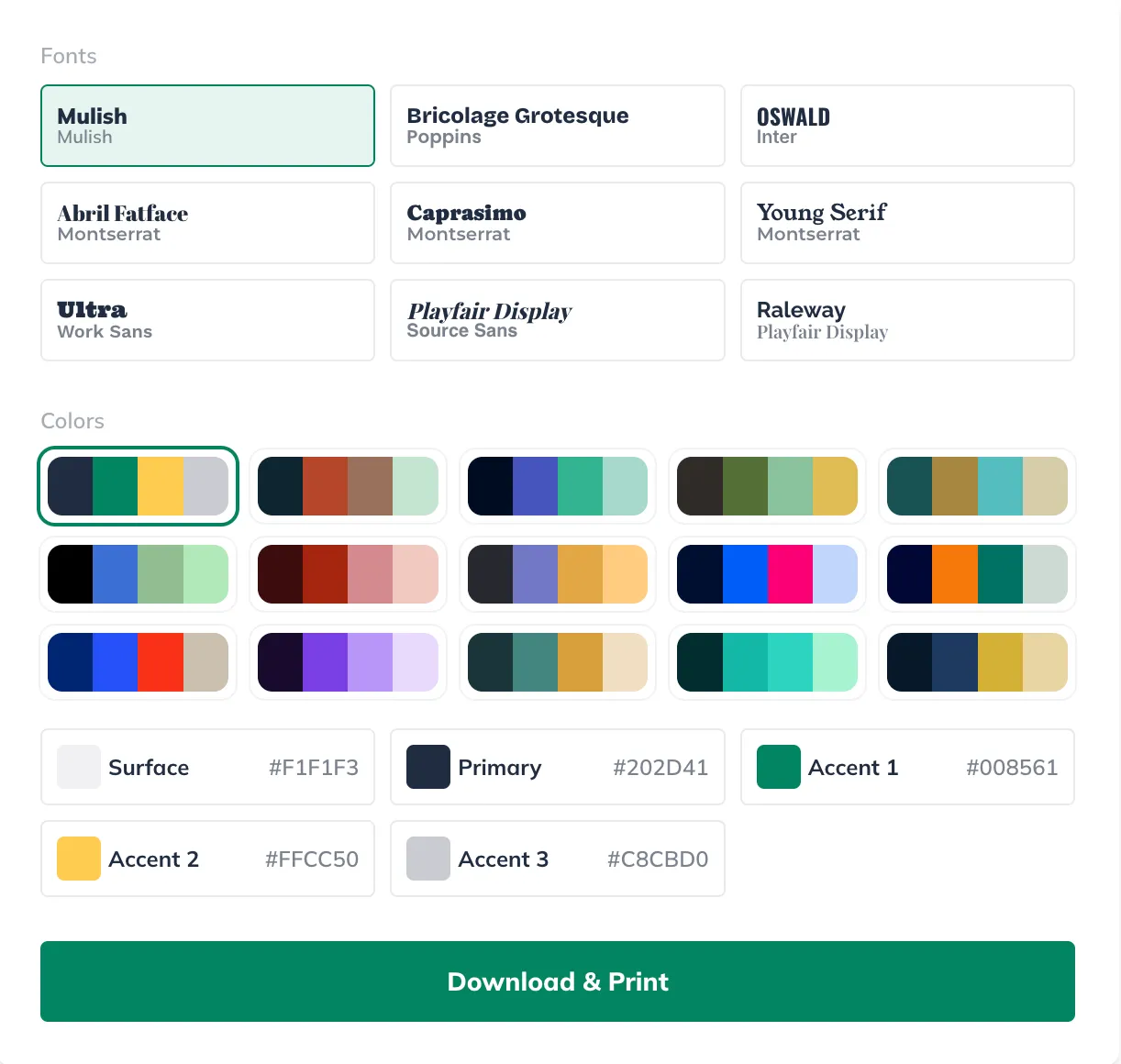
Display Settings
Display Settings lets you filter displayed assumptions by evidence level.
Why is this important?
- This lets you curate which Sections of the Idea Canvas are shared so you only share what is prepared while you continue to iterate on less developed ideas.
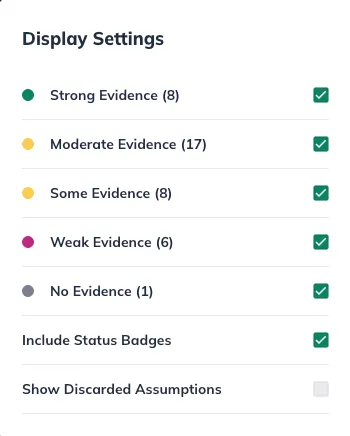
Select Theme
Select Theme lets you choose from one of 9 professional fonts.
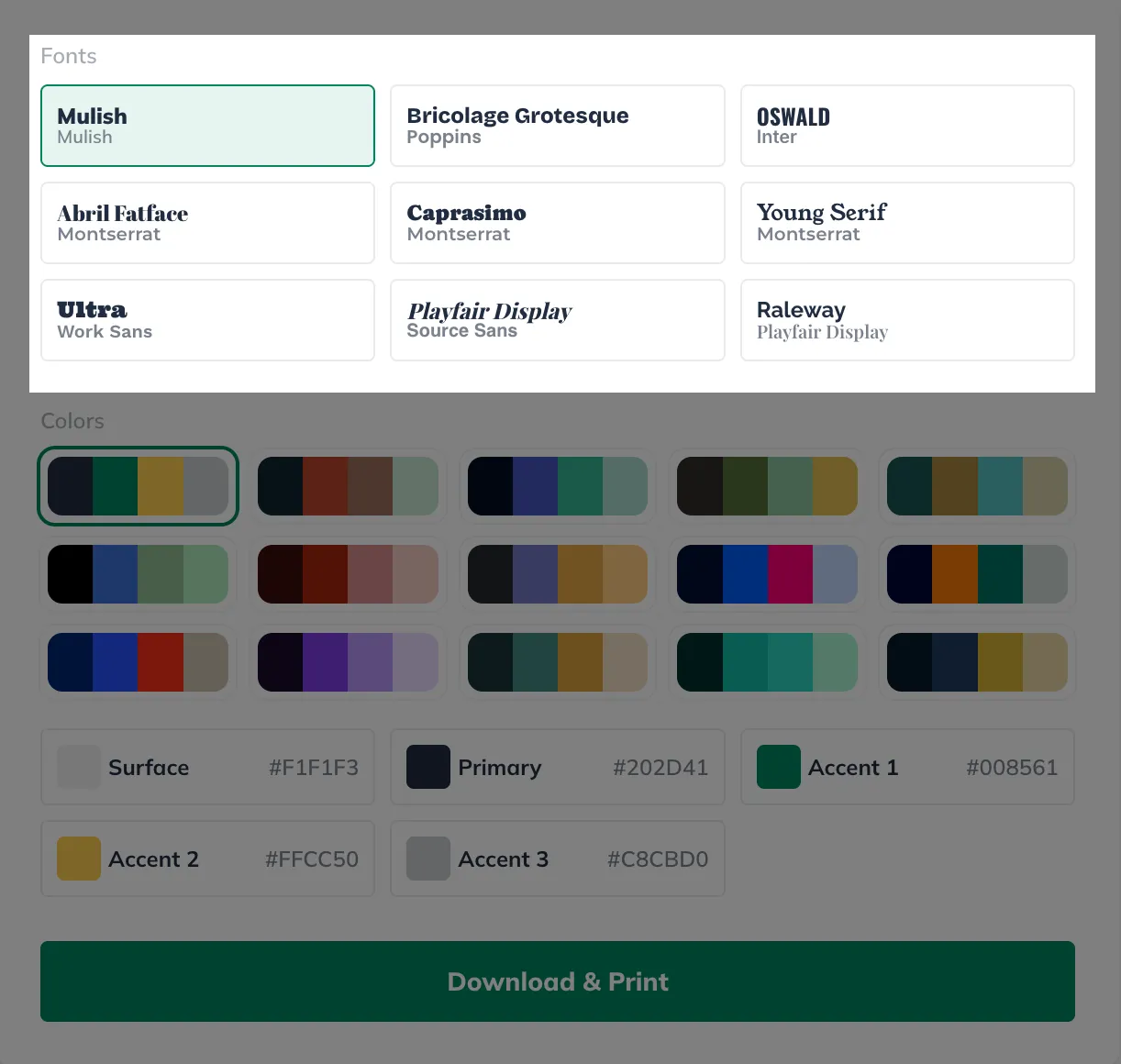
You can also choose from one of preset 15 color themes or customize your own color theme.
Where to find your download
Your displayed downloads vary from browser to browser. But all downloads will be directed to your Downloads folder unless specified otherwise.
For Chrome users:
In the upper right corner of the display, click the Download icon:

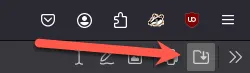
For Firefox users:
In the upper right corner of the display, click the Download icon:
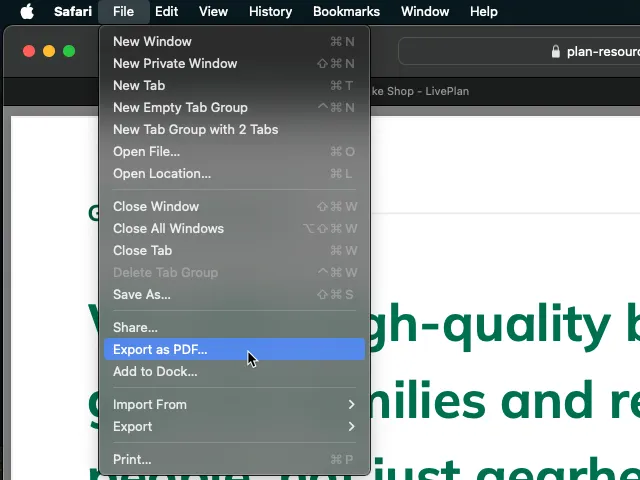
For Safari users:
In the File menu, click Export as PDF.
For Microsoft Edge users:
Click the Save icon in the document toolbar.
