Entering convertible debt
Convertible debt (also known as a "convertible loan" or "convertible note") is a type of loan that converts to investor equity. For example, an investor might agree to lend you money to start your business. But then, instead of making cash payments on this loan, you'd pay the investor back in the form of an ownership stake in your company.
When does that conversion from loan to equity happen? It happens when a future event occurs, and you and your investor will agree beforehand on what that event is. Typical examples are securing a second round of funding or reaching a certain level of profitability.
Because the agreement begins as a loan, it involves an interest calculation, and this interest causes the lender's investment value to grow month by month. At the end of the loan, the investor's financial stake will be larger than the loan's original amount.
To represent convertible debt in LivePlan, you'll need two entries:
- A special Loan entry representing the initial loan
- An Investment entry representing when the loan converts to equity
You'll also need to decide which month of your forecast you predict this conversion will happen.
Entry #1: Initial Loan
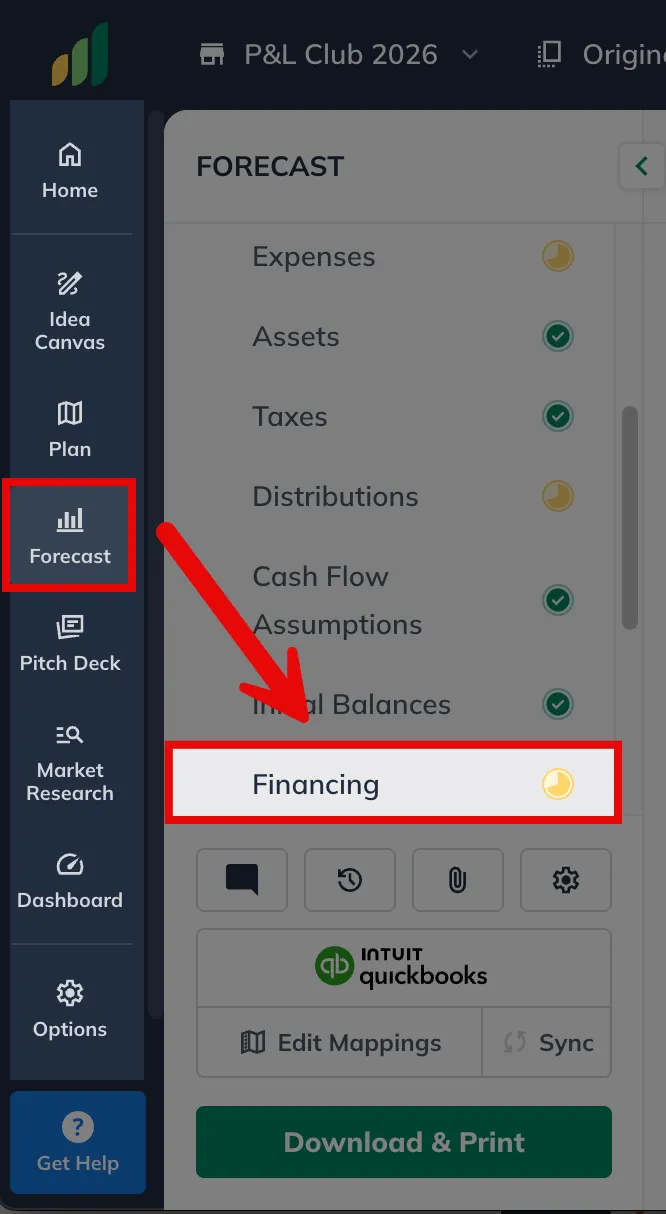
In the Forecast section, click Financing:
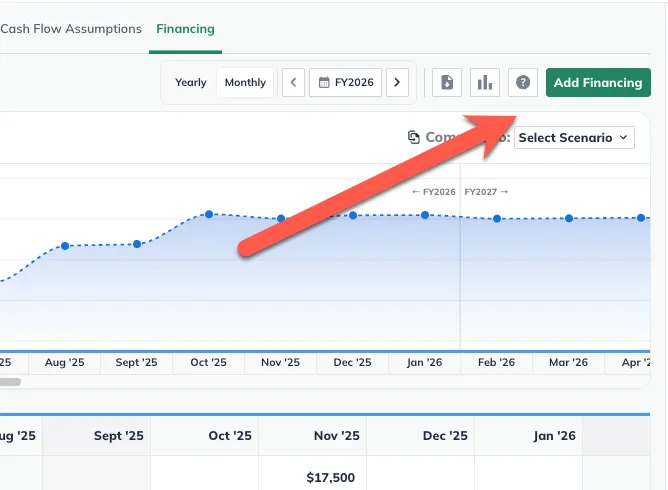
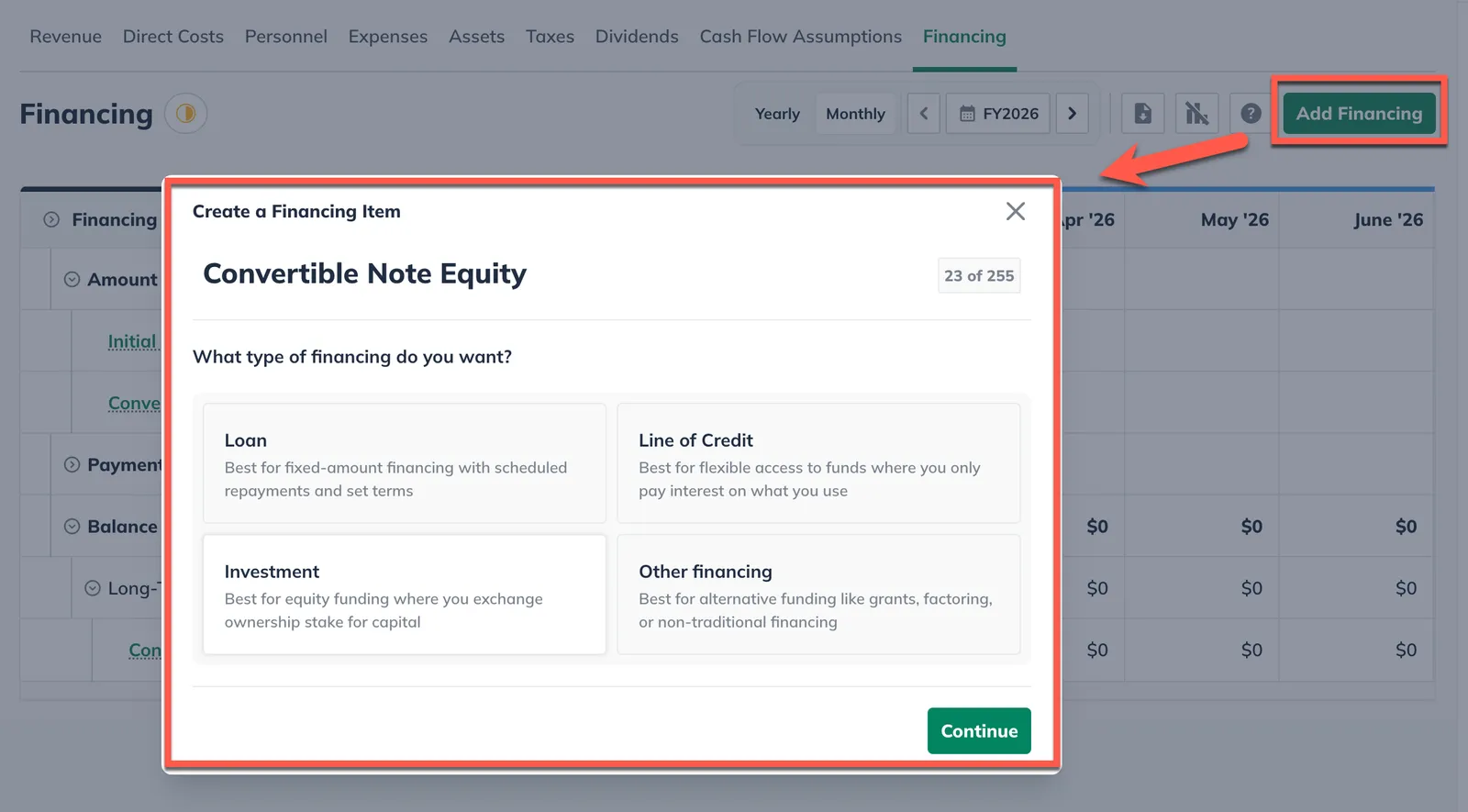
Click the Add New button and select Other:
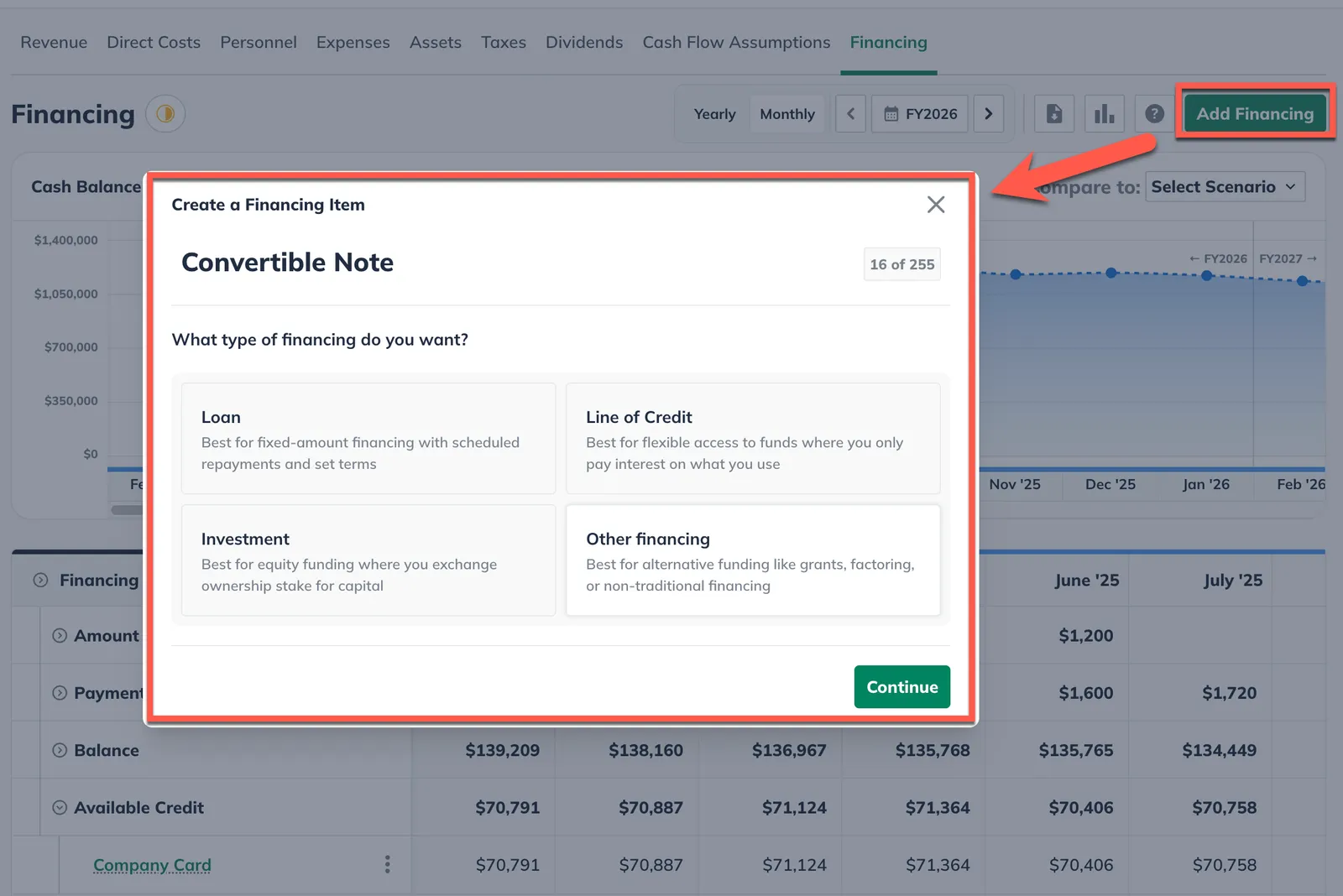
Give the loan a name and select whether the interest will be constant or variable:
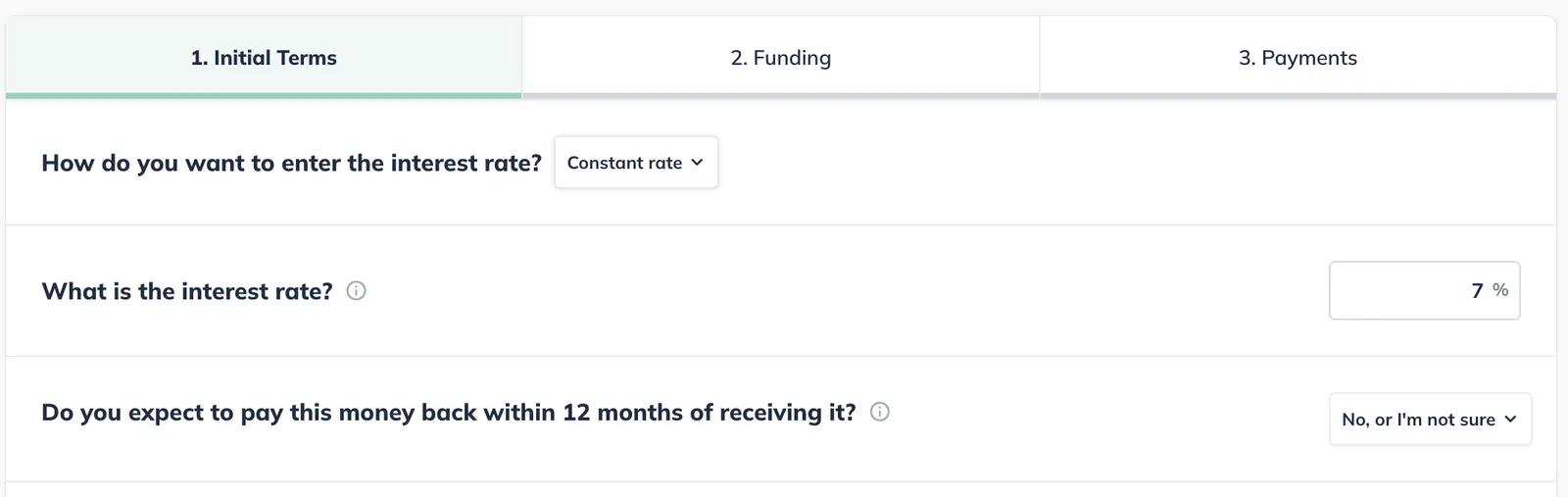
Then enter the interest rate for the loan, then select whether this loan will convert to equity within 12 months or in a longer time frame:
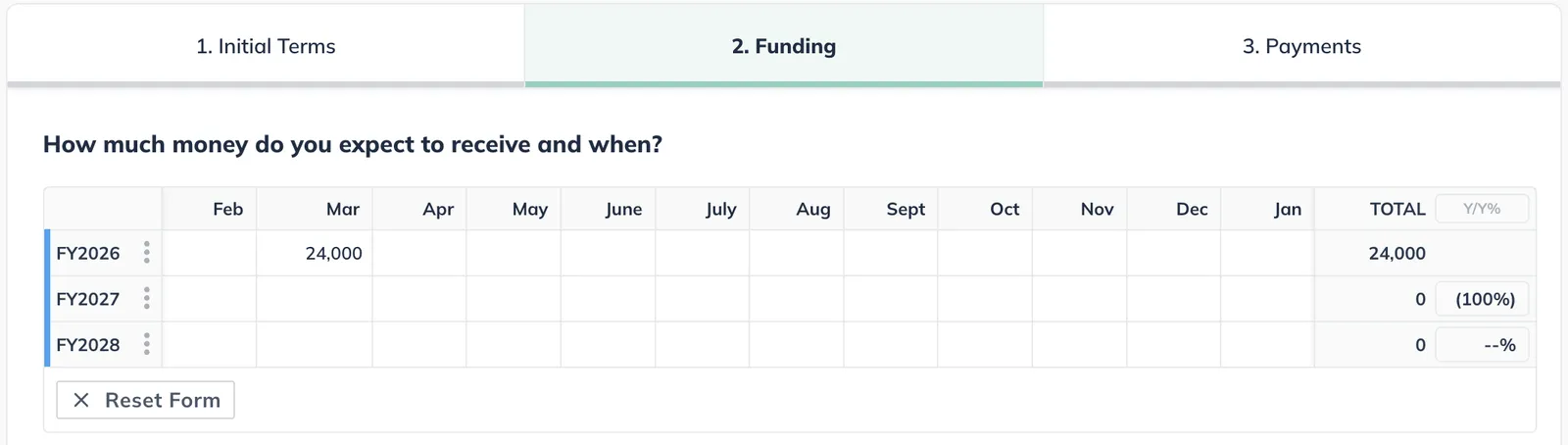
Next, enter the amount you'll receive for the loan in the month (or months) you'll receive the money. Click Next:
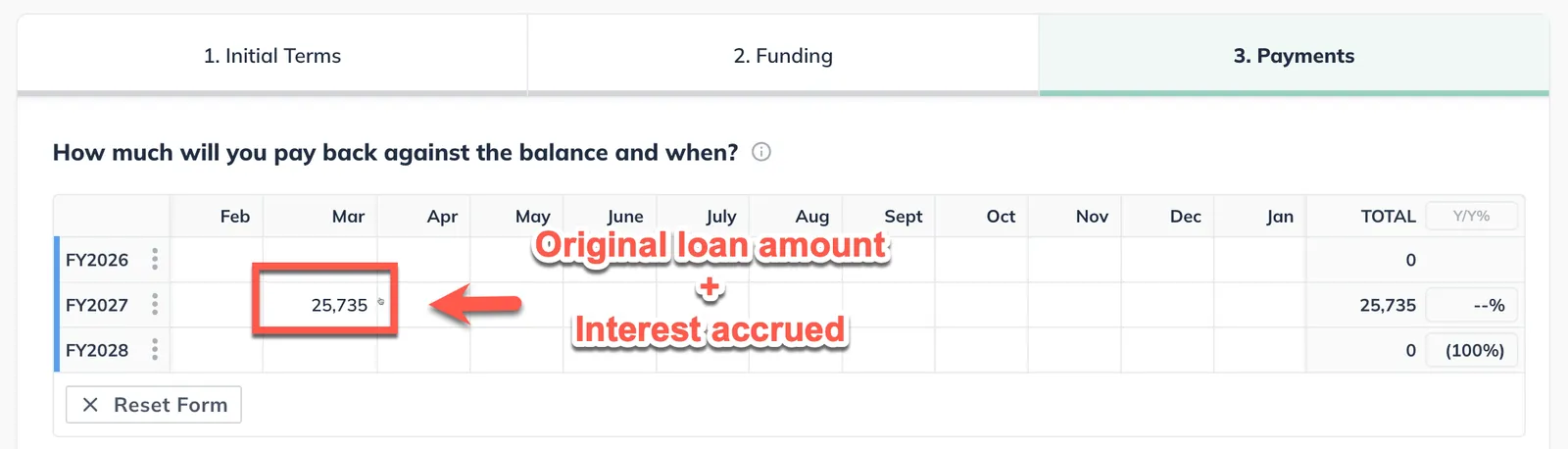
Finally, locate the month you predict the loan will be converted to equity. Enter the original amount of the loan plus interest in this month.
Click Save & Exit:

Entry #2: Conversion to equity
In the Forecast tab, click Financing:
Click the Add New button and select Investment:
Give the investment a name, and select One-time amount: Then enter the full original loan plus interest. Select the same month you represented the loan entry being paid in full.
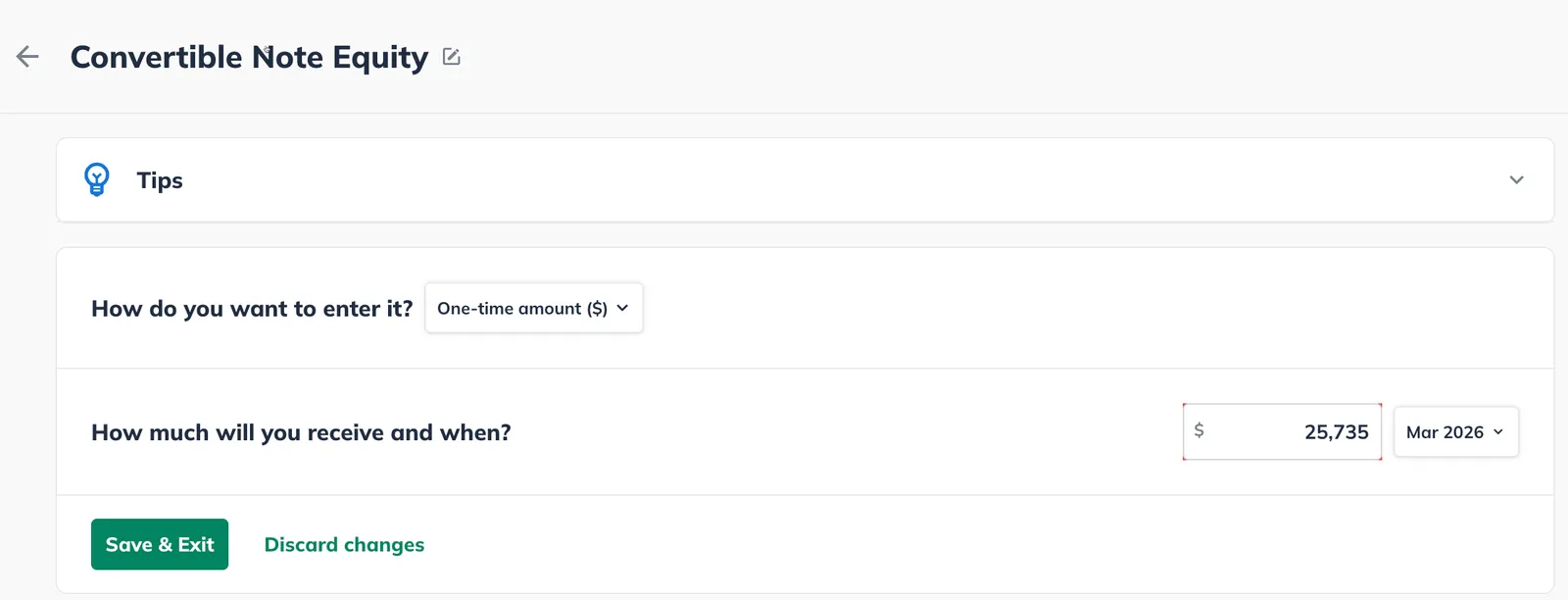
Click Save & Exit:
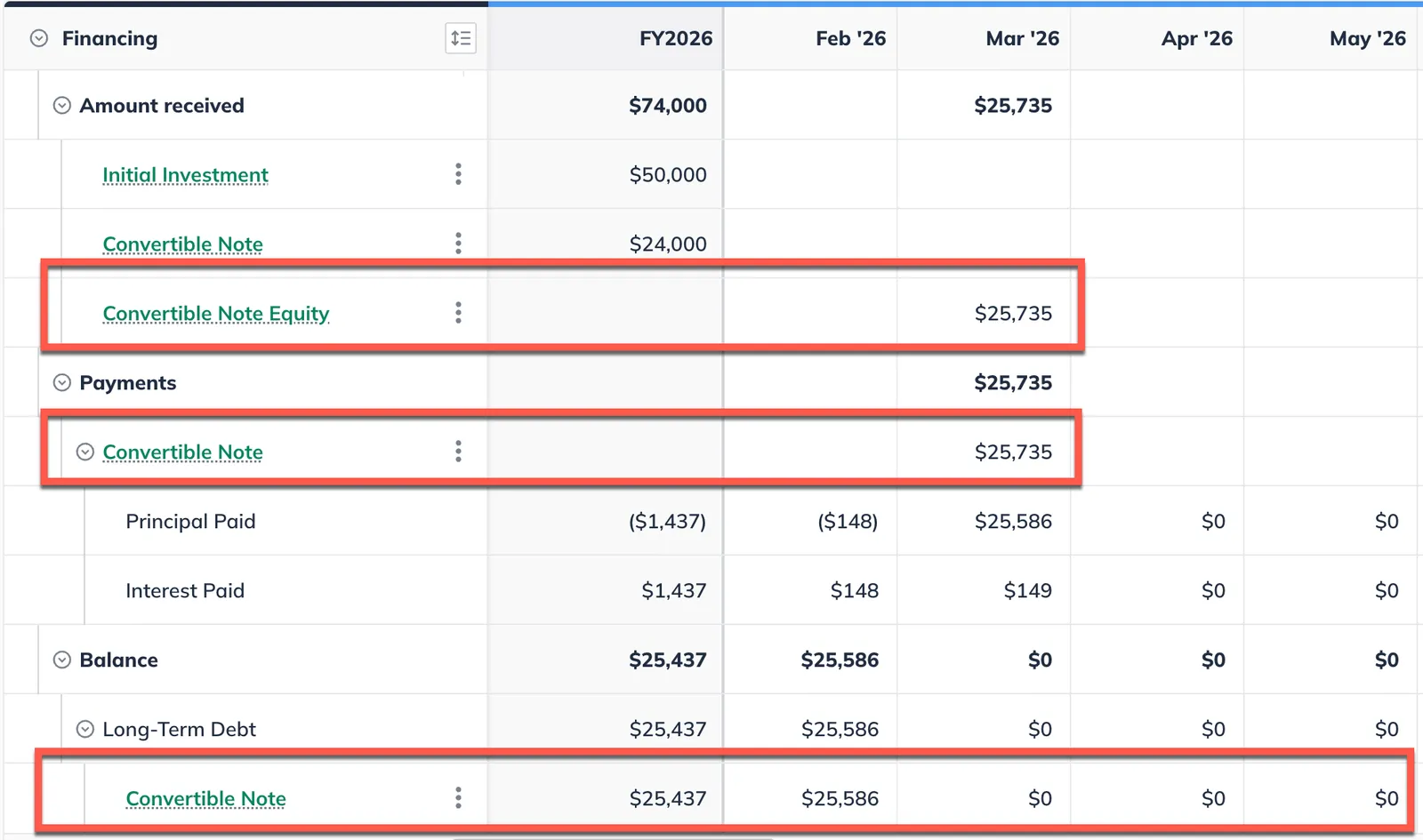
In the Financing table, you'll see the loan balance changing to zero in the same month the investment occurs. This represents the debt converting to equity:\